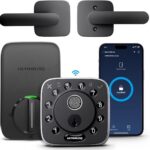
As someone who spends far too much time appreciating the subtle curve of a brushed aluminum edge or the satisfying weight of a perfectly machined button, I’ve learned that great design isn’t just about how something looks—it’s about how it feels in daily use. The front door, after all, is the first thing you touch when coming home. It should be an experience, not an afterthought. That’s why I was immediately drawn to the PHILIPS Wi-Fi Smart Lock with Handle. It’s a product that understands that security and design should coexist—unobtrusively, reliably, beautifully.
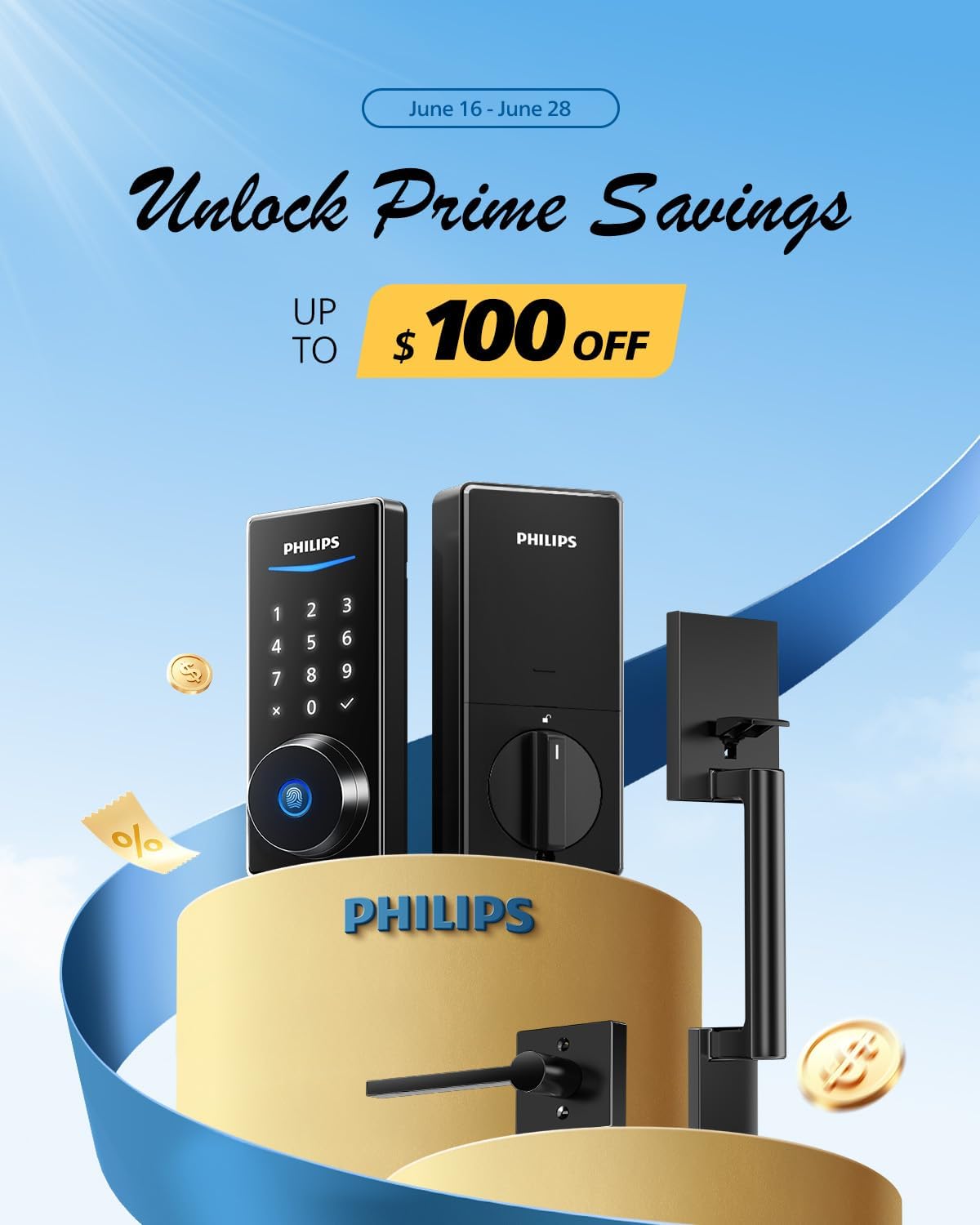
A Handle Worth Holding
Let’s talk about materials. So many smart locks feel like plastic afterthoughts slapped onto a deadbolt. The PHILIPS approach is different. The integrated handle is crafted from a zinc alloy with a smooth, matte finish that resists fingerprints and smudges. The ergonomics are deliberate—the curve of the handle invites your hand, and the spring-loaded mechanism returns it to its neutral position with a quiet, confident click. There’s no wobble, no cheap plasticky feel. It’s the kind of tactile feedback that makes you trust the product immediately.
The designers at PHILIPS clearly obsessed over the details. The keypad is flush with the surface, using backlit numbers that are visible in low light but invisible when off. The fingerprint sensor is discreetly integrated into the handle itself, not an awkward add-on. This is minimalist design done right—form serving function without shouting for attention.
Fingerprint Unlock: Instant and Intuitive
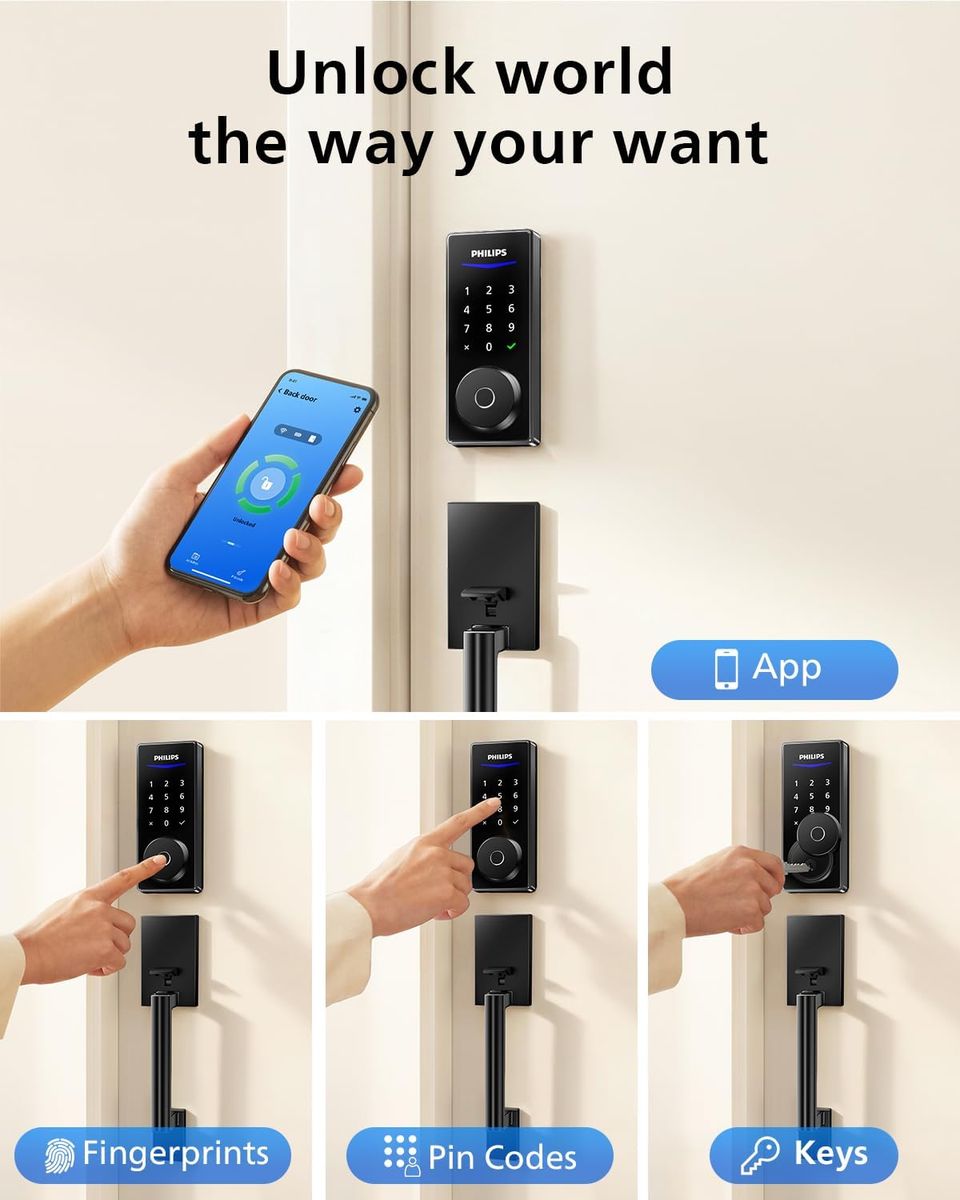
Living with a smart lock means your keys become an optional accessory. The capacitive fingerprint sensor on this PHILIPS lock reads your print in under 0.5 seconds. It’s fast enough that you don’t feel a pause—just place your finger on the sensor and the handle turns. I’ve tested it with slightly damp fingers and even after a run—works flawlessly. The sensor stores up to 50 unique fingerprints, so the whole family can get in without juggling keys or codes.
The UX here is what sets it apart. You don’t need to wake the lock or press a button first. The sensor is always listening, always ready. It’s the kind of frictionless experience that makes you wonder why you ever put up with fumbling for keys.
Keyless Entry, Multiple Ways
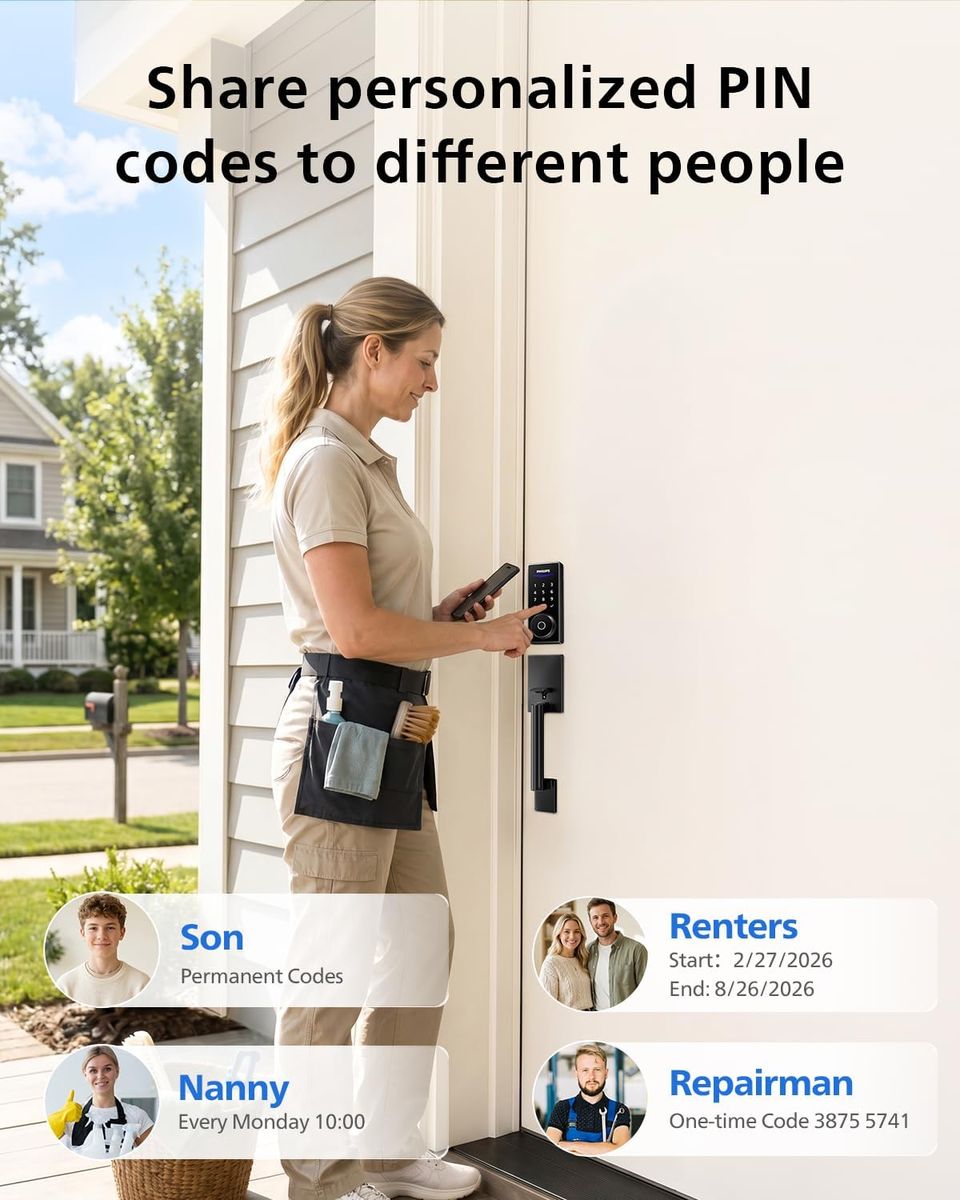
Beyond fingerprints, PHILIPS offers a full suite of entry methods. The PIN code keypad supports 4–10 digit codes, with up to 50 user codes available. You can assign temporary codes for guests, cleaners, or delivery services and set them to expire automatically. No more hiding a key under the mat.
For those who prefer physical access, the lock also includes traditional keys as a backup—but honestly, once you’ve used the fingerprint or app, you’ll rarely reach for them. The design philosophy is clear: provide options, but let the best UX win.
Built-In Wi-Fi, No Hub Required
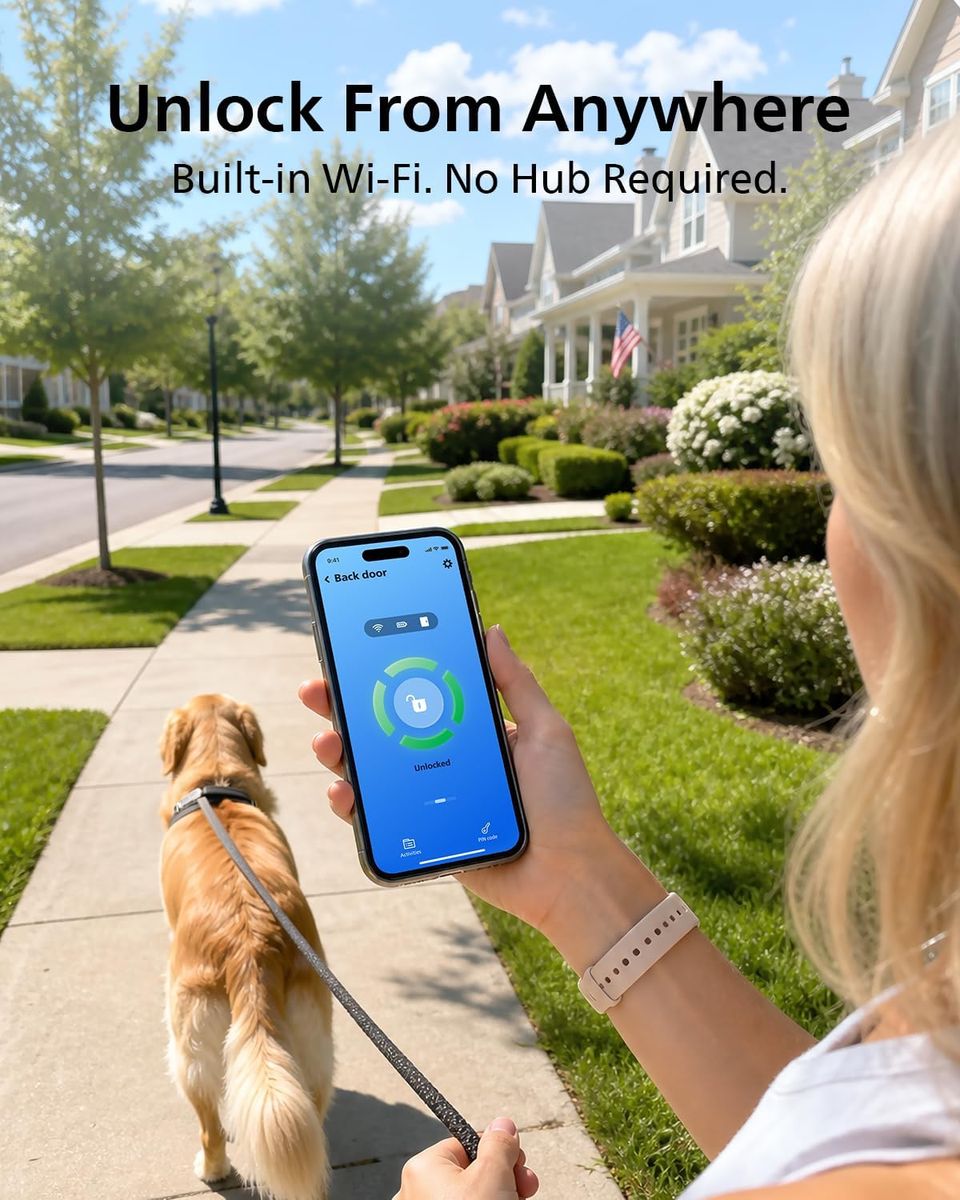
This is a critical detail that many smart locks get wrong. The PHILIPS Wi-Fi Smart Lock has Wi-Fi built directly into the unit. No separate hub, no extra dongle, no additional outlet clogged with a bridge. Connect it to your home network in minutes through the Philips Home Access app. The initial setup is straightforward: download the app, scan the QR code on the lock, and follow the on-screen prompts. The app interface is clean and responsive, matching the lock’s minimalist aesthetic.
Once connected, you can lock or unlock the door from anywhere in the world. Check if you left the door unlocked? Tap the app. Let a neighbour in while you’re on vacation? Send them a one-time passcode. The app also logs every entry event—who used which method and when—so you have a complete audit trail.
Auto Locking: Set and Forget
One of my favourite features is the auto-lock function. After you enter and close the door, the lock automatically engages the deadbolt after a user-set delay (30 seconds, 1 minute, etc.). It’s the kind of smart convenience that becomes invisible—you never have to wonder if you remembered to lock the door because the lock takes care of it. The PHILIPS motor is quiet but decisive, with a smooth bolt rotation that doesn’t feel harsh.
The auto-lock is also configurable. If you prefer to lock manually by tapping the keypad or using the app, you can disable the automatic feature. But once you experience the peace of mind that comes with a self-locking door, you’ll likely keep it on.
Security That Doesn’t Compromise
Under the beautiful exterior lies a Grade 2 security deadbolt, which is the standard for residential high-security locks in the US. The lock is ANSI/BHMA Grade 2 certified, meaning it can withstand forced entry attempts like kicking and drilling far better than basic Grade 3 locks. The integrated design also means there’s no exposed screw holes or vulnerable linkage between the handle and the deadbolt—it’s a unified piece of engineering.
The Wi-Fi communication is encrypted using AES 128-bit, and the app requires authentication for every remote command. PHILIPS has a strong track record in smart home security, and this lock benefits from their decades of experience in consumer electronics.
Installation and Fit
I’ll be honest: I was skeptical about installing a smart lock on my own. Most require drilling, complex wiring, or replacing the entire door prep. The PHILIPS lock is designed for standard US doors with a 2-3/8” or 2-3/4” backset. It fits most single-cylinder deadbolt cutouts. The box includes a detailed instruction booklet and all necessary adapters. The entire installation took me about 20 minutes with just a screwdriver. No drilling, no wiring.
The lock is powered by 4 AA batteries (included) that last approximately 6–8 months depending on usage. When the batteries run low, the app will notify you, and the keypad also flashes a low-battery warning. In the unlikely event the batteries die completely, you can use a 9V battery to power the lock temporarily from the outside—a thoughtful redundancy.
<h2