
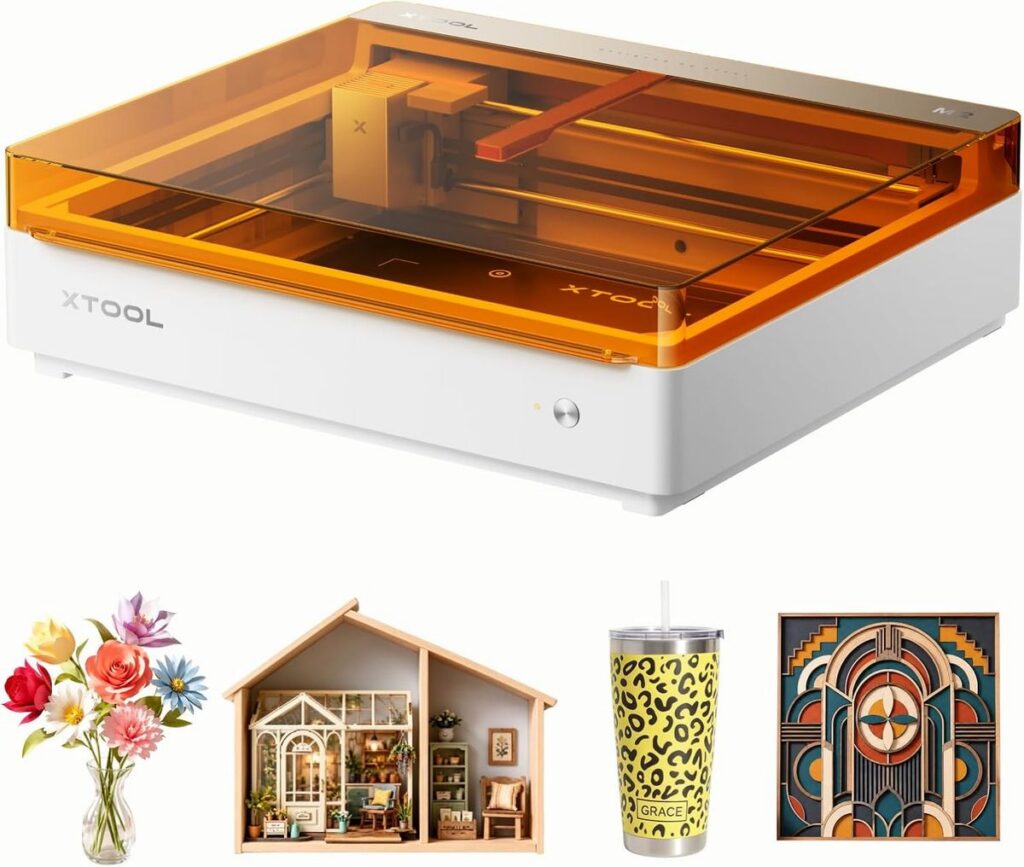
Let me paint you a picture of a typical Tuesday evening in my house. The kids are doing homework at the kitchen table, my husband is reviewing spreadsheets, and I’m trying to personalize a wooden gift box for a teacher’s appreciation gift. In the old days, this would mean pulling out a stencil, some paint, and praying that the dog didn’t knock over the cup of water. But now? I just close the lid on my xTool M2, press a button, and let the machine do the heavy lifting. As a parent managing a busy home, I don’t have time for complicated setups or messy craft supplies. I need tools that are safe, reliable, and practically foolproof. That’s exactly why I’m sharing my experience with the xTool M2 10W Laser Engraver with you today.
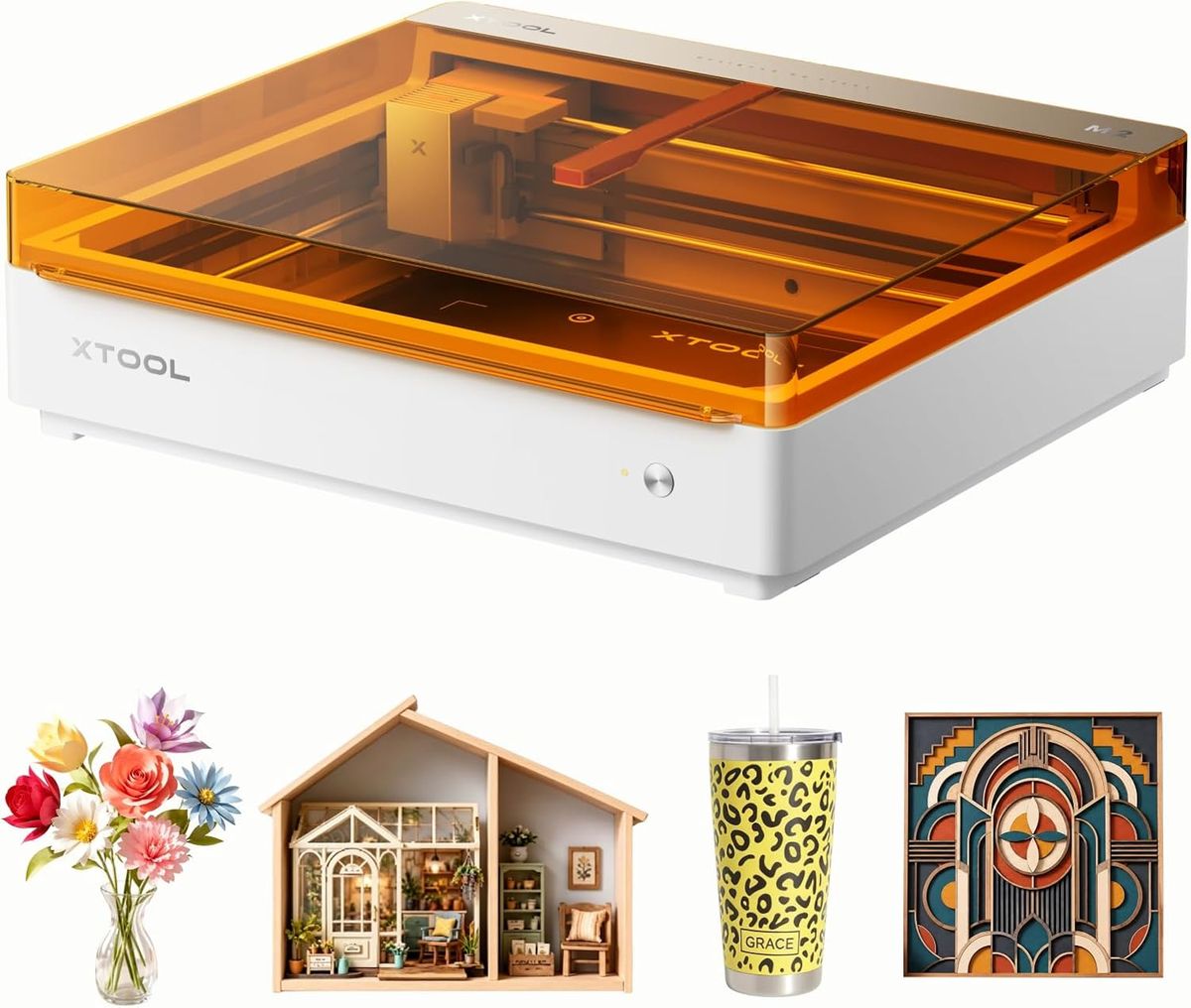
When I first heard about laser engraving, I’ll admit, I was intimidated. I pictured industrial machines with open lasers and fire hazards. The thought of having one of those in the same house as my curious seven-year-old was a hard no. But then I discovered the xTool M2, and it completely changed my perspective. This isn’t just a tool for hobbyists; it’s a household appliance that actually respects the chaos of family life. It’s engineered to be locked, enclosed, and safe, which is the first thing that won me over. Let’s dive into why this specific model, the 10W M2 Basic, has become a staple in our craft corner.
Built-in Dual Cameras: The Eye-Spy Feature That Saves Time
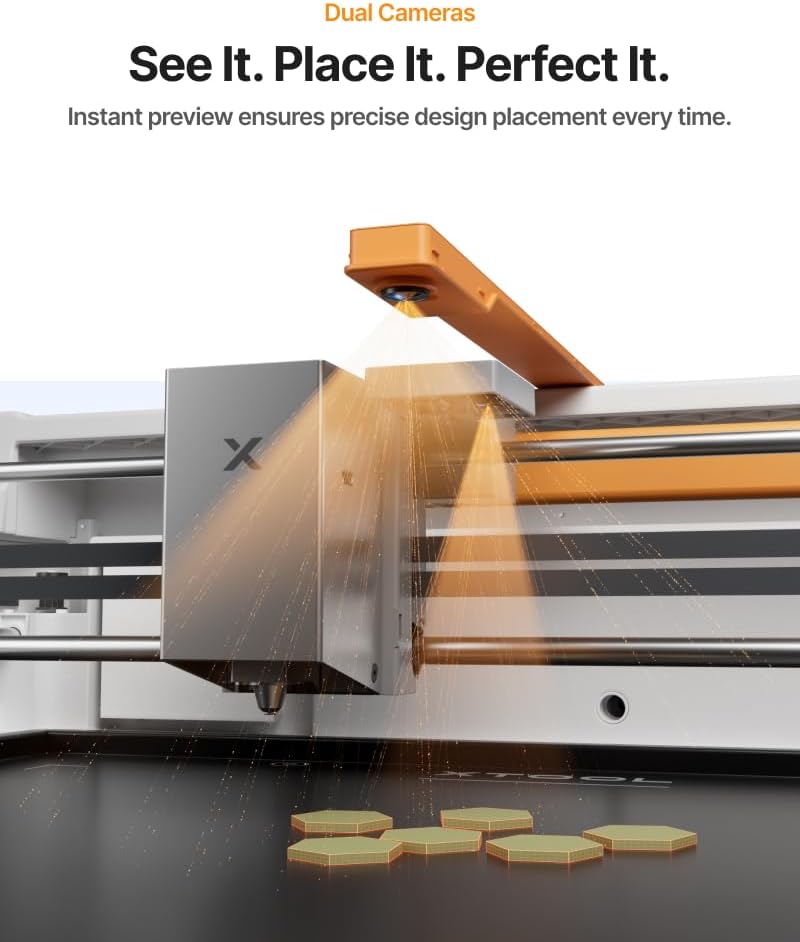
One of the biggest headaches with traditional laser engravers is positioning. You have to guess where the laser will hit, run a test pass, and hope for the best. That’s not how I operate. I need precision, especially when I’m working with a batch of wooden coasters for a housewarming party or cutting felt shapes for a school project. The xTool M2 comes with built-in dual cameras, and this is a game-changer for a busy parent.
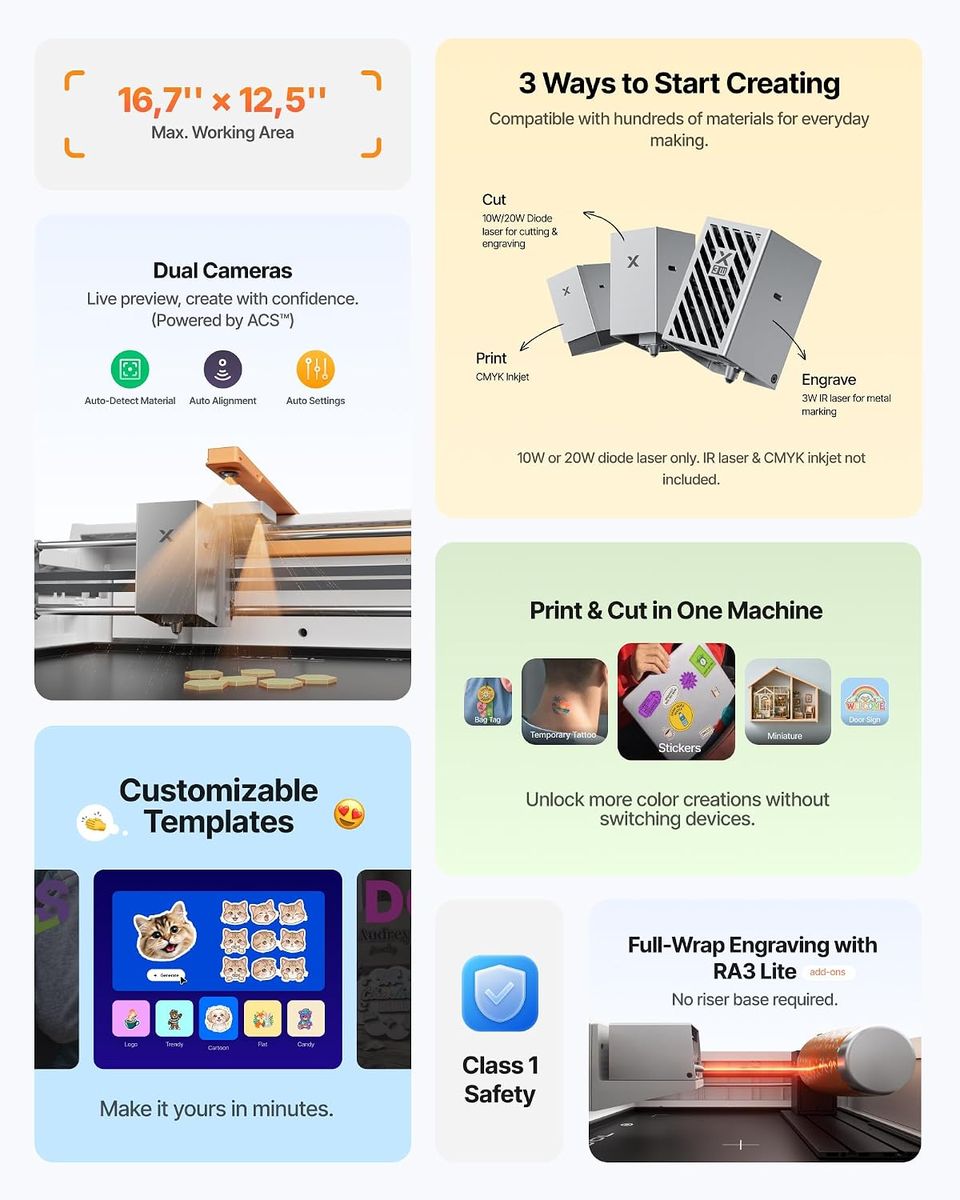
Here’s how it works in real life: I place my material inside, and the cameras capture a live view of the work area. I can see exactly where the engraving will land on my screen before I even press start. No more wasted materials, no more squinting to align a design. I simply drag and drop my design onto the preview image, and the machine handles the rest. It’s like having a pair of extra eyes that never get tired. For someone who often multi-tasks (like folding laundry while setting up a project), this feature alone is worth its weight in gold.
Class 1 Enclosed Safety: Kid-Proofing Your Hobby
Let’s talk about the elephant in the room: safety. As a mom, my number one priority is ensuring that my kids are safe, even when they are curious about my hobbies. The xTool M2 is a Class 1 enclosed laser engraving machine. This means the laser is completely contained within a protective housing. You cannot access the laser beam while it’s operating unless you deliberately try to break the safety interlocks.
This is a massive relief. I don’t have to hover over the machine while it works. I can start a project on a leather bracelet, close the lid, and walk away to help my daughter with her math homework. The machine automatically stops if the lid is opened, which gives me peace of mind knowing that even if my son decides to investigate, the laser will immediately shut off. It’s designed with the same safety standards as commercial devices, but it’s scaled perfectly for a home environment. If you are looking for a machine that won’t turn your dining room into a hazard zone, this is the one.
10W Laser Power: Versatile Enough for Every Material
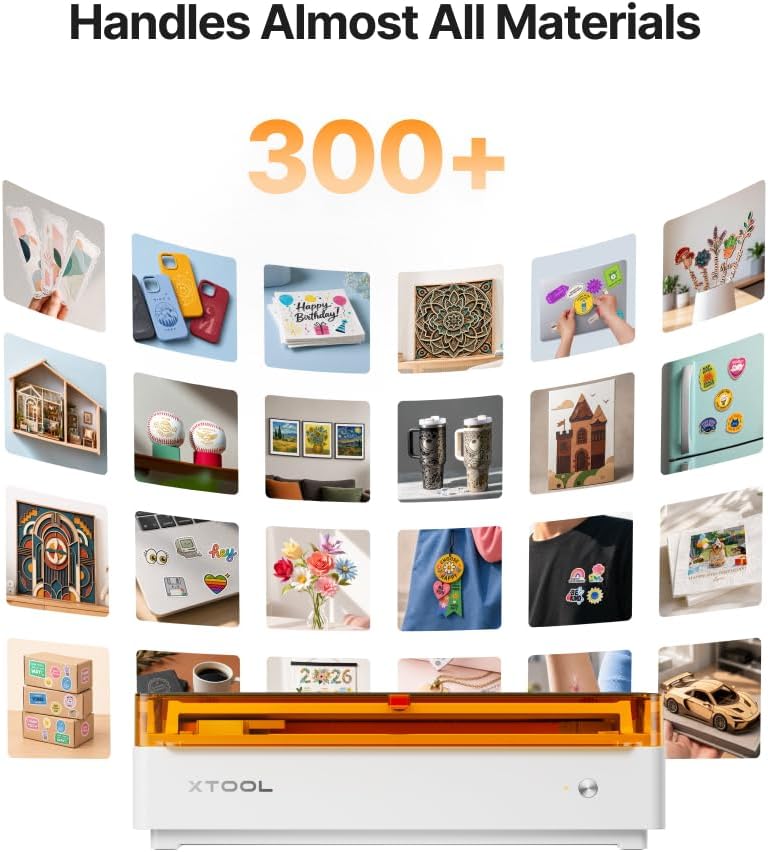
Now, let’s get into the nitty-gritty of what this machine can actually do. The “10W” in the name refers to the laser output power. For a home user, this is the sweet spot. It’s powerful enough to cut through thin wood and engrave deep, crisp marks on harder materials, but it’s not so aggressive that it burns through your projects. In my experience, the xTool M2 handles a variety of materials beautifully:
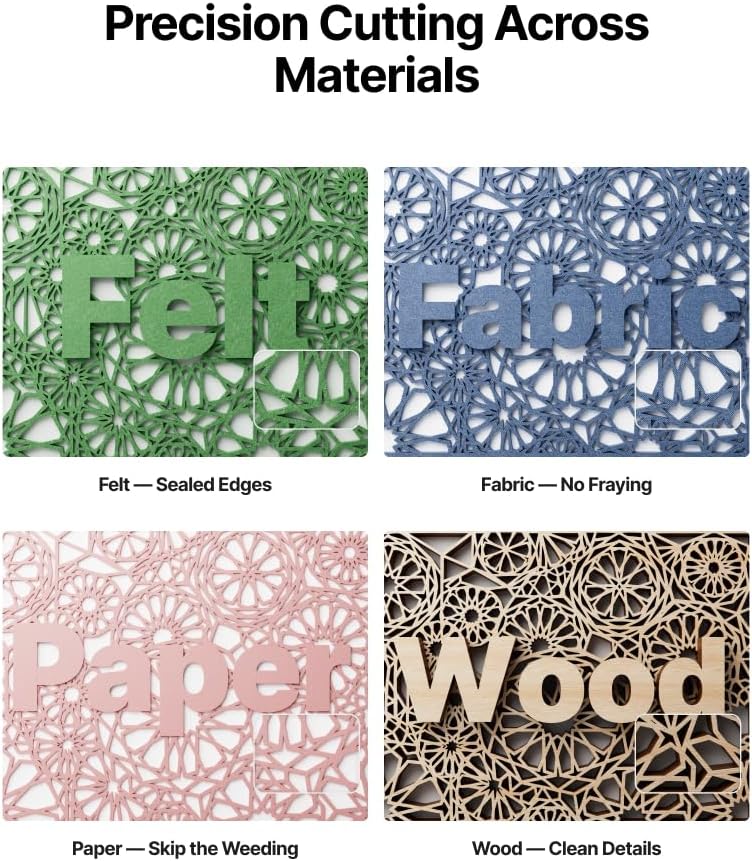
- Wood: Perfect for signs, ornaments, and personalized cutting boards. The engraving comes out clean with a nice, toasted contrast.
- Leather: Great for making custom keychains or embossing initials on belts. The detail is sharp and professional-looking.
- Felt & Fabric: I’ve used it to cut custom patches for my kids’ backpacks. It cuts through felt cleanly without fraying the edges.
- Paper & Cardstock: Excellent for intricate card designs or scrapbooking elements. The precision is unmatched by any pair of scissors.
This versatility means I don’t need a separate cutting machine and an engraver. One device sits on my desk, ready to handle whatever project the week throws at me. Whether it’s a handmade birthday card or a practical label for a storage bin, the M2 does it all.
Durability and Kid-Proofing: Built for the Long Haul
I’m not gentle with my tools. They get shoved into closets, dropped on the floor, and occasionally used as a flat surface for a juice box. The xTool M2 feels robust. The casing is solid, and the lid hinges feel sturdy—not flimsy plastic that will crack after a month. It has a small footprint, but it doesn’t feel cheap. This is important because I want a machine that will last through years of holiday gifts and school projects.
Furthermore, the software interface is surprisingly intuitive. I’m not a tech wizard, but I managed to connect it to my laptop and start my first project within fifteen minutes of unboxing. It uses a simple drag-and-drop interface that even my teenager could figure out. The fact that it doesn’t require a complex calibration process every time means I’m more likely to actually use it, rather than letting it gather dust because it’s “too much work” to set up.
Why This Specific Model?
You might be wondering why I chose the “M2 Basic” version instead of a higher-end model. Honestly, for a family household, the Basic version is the perfect balance of capability and simplicity. It has everything you need to start creating without the overwhelming features that you might never use. The dual cameras are included, which is a premium feature on many other machines. The 10W power is sufficient for 90% of DIY crafts. You are paying for quality and safety without the unnecessary frills, which is exactly what a practical shopper like me looks for.
Real-World Applications: More Than Just a Hobby
This machine isn’t just for making cute trinkets. It has genuinely practical uses around the house. I’ve used it to engrave labels onto plastic containers for the pantry (yes, it works on certain plastics with the right settings). I’ve made custom stencils for painting the kids’ playroom wall. I even engraved a beautiful pattern onto a wooden tray to use as a serving platter for movie nights. It elevates everyday items into something special.
For those who like to sell crafts, this is also a fantastic investment. The quality of the engraving is high enough to sell at local markets or on Etsy. The speed is decent, allowing me to batch-produce items like engraved wooden spoons or personalized pet tags. It turns a hobby into a potential side income, all from the safety of my own kitchen table.
Final Thoughts: Should You Buy It?
If you are an online shopper looking for a quality product that won’t let you down, I cannot recommend the xTool M2 enough. It bridges the gap between professional-grade equipment and home-friendly usability. It’s safe enough to have around kids, durable enough to survive a busy household, and precise enough to produce beautiful results every time. The dual cameras eliminate the guesswork, and the enclosed design eliminates the worry.
I’ve tried other crafting tools in the past—vinyl cutters, heat presses, and even manual engraving kits. None of them offered the same level of satisfaction and ease as this laser engraver. It has genuinely unlocked a new level of creativity for me, without adding stress to my daily routine. If you want to make personalized gifts, organize your home with custom labels, or simply explore a new hobby, this is the machine to get.
Don’t just take my word for it. Check out the specs, read the reviews, and see how it fits into your life. I think you’ll find, like I did, that it’s the perfect addition to a modern, practical home. Whether it’s for a birthday surprise or a weekly DIY session with the kids, the xTool M2 10W Laser Engraver is ready to work as hard as you do. It’s time to bring your ideas to life, safely and beautifully.