Let’s be honest about the photo printer market. Most consumer-grade units are either too bulky for practical home use, or they produce wallet-size prints that require a magnifying glass to appreciate. You end up with a drawer full of fading thermal paper receipts or a device that eats ink cartridges faster than it prints. When I started looking for a solution that bridges the gap between smartphone photography and tangible, archival-quality prints, the Liene M100 kept surfacing in technical forums—not for its gimmicks, but for its specifications. I have tested dozens of dye-sublimation units over the years, and this one warrants a closer look for anyone who values output quality over novelty.
Why Dye-Sublimation Beats Inkjet for Photos
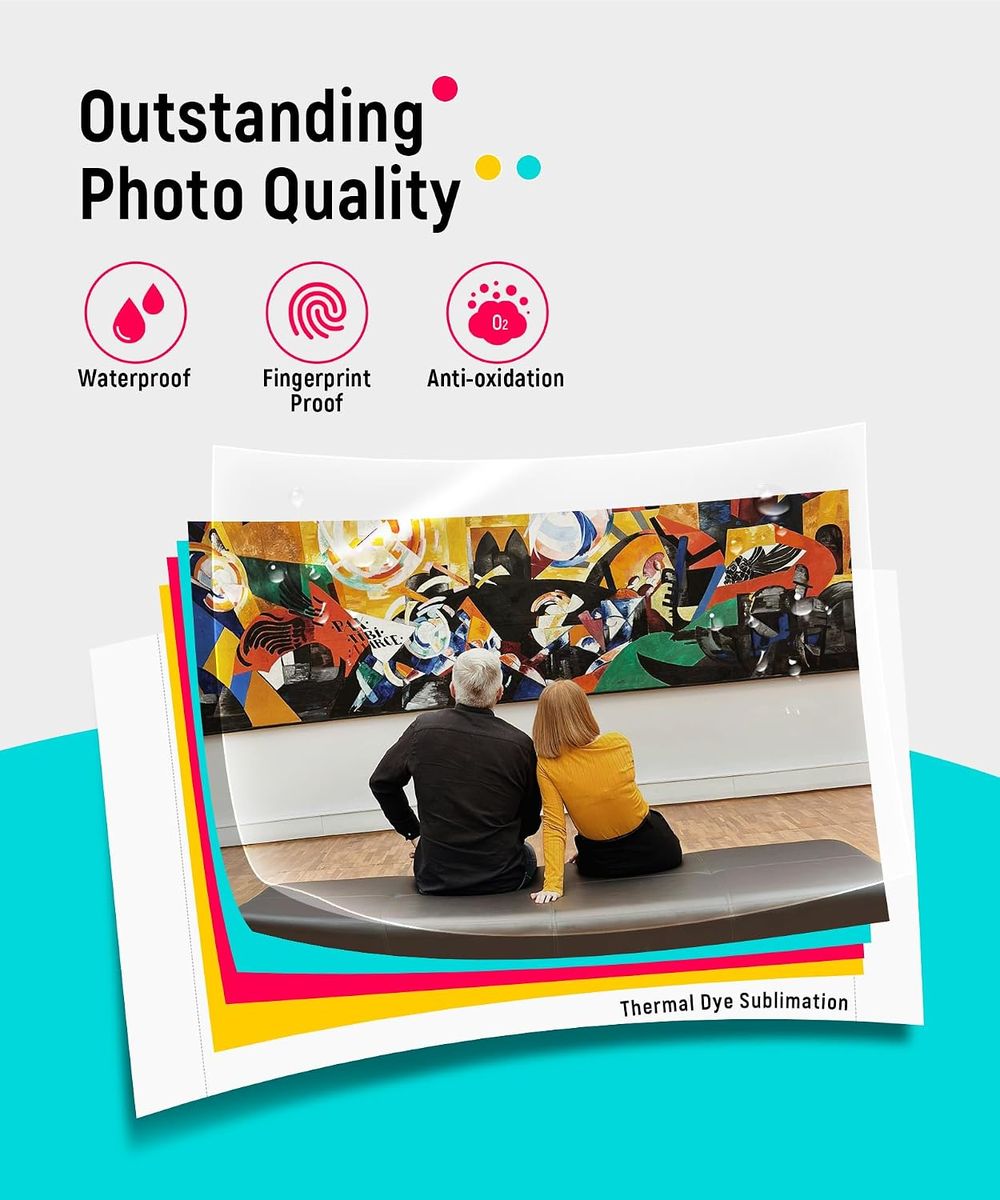
If you have ever printed a 4×6 photo on a standard inkjet, you know the pain points: color bleeding, slow drying times, and that distinct chemical smell. Worse, inkjet prints are susceptible to water damage and UV fading. The Liene M100 uses thermal dye sublimation, a completely different process. Instead of spraying liquid ink, the printer heats solid dye ribbons into a gas that permeates the paper’s coating. The result is a continuous-tone print with no visible dots or banding.
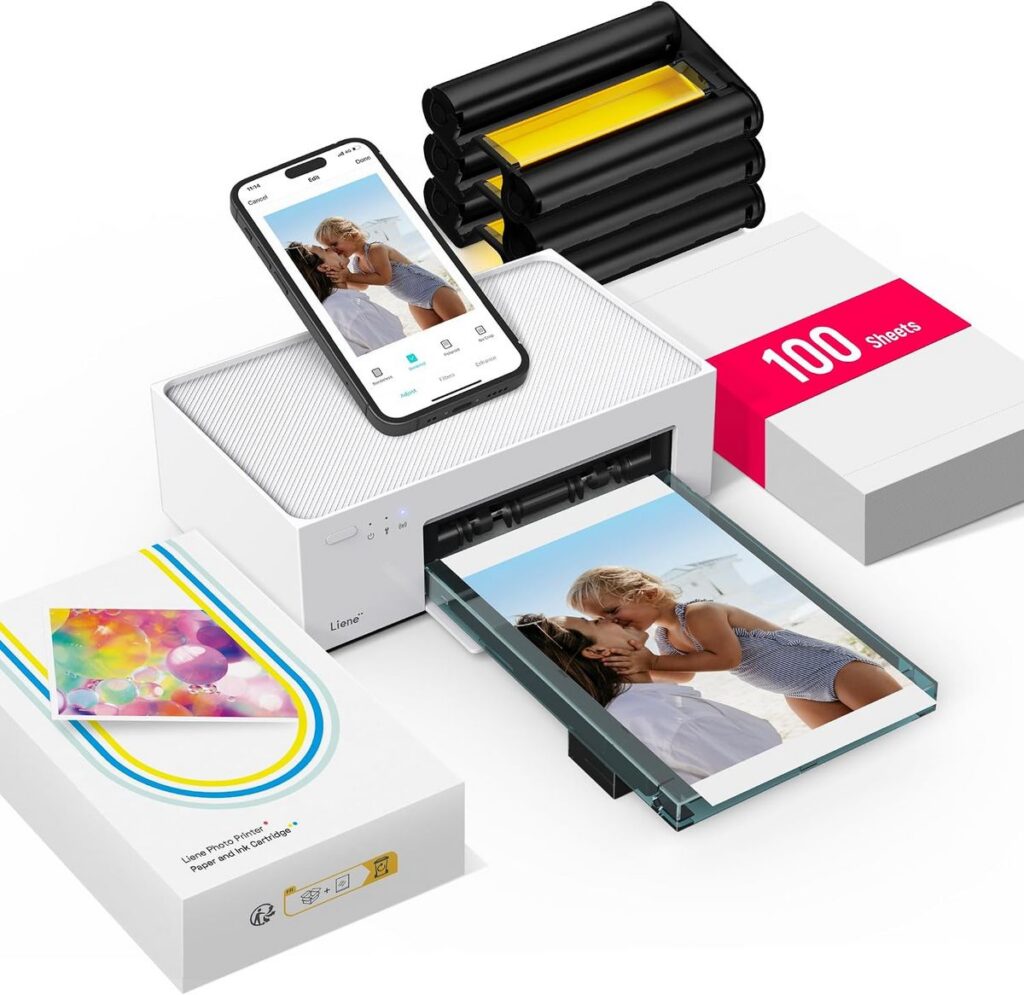
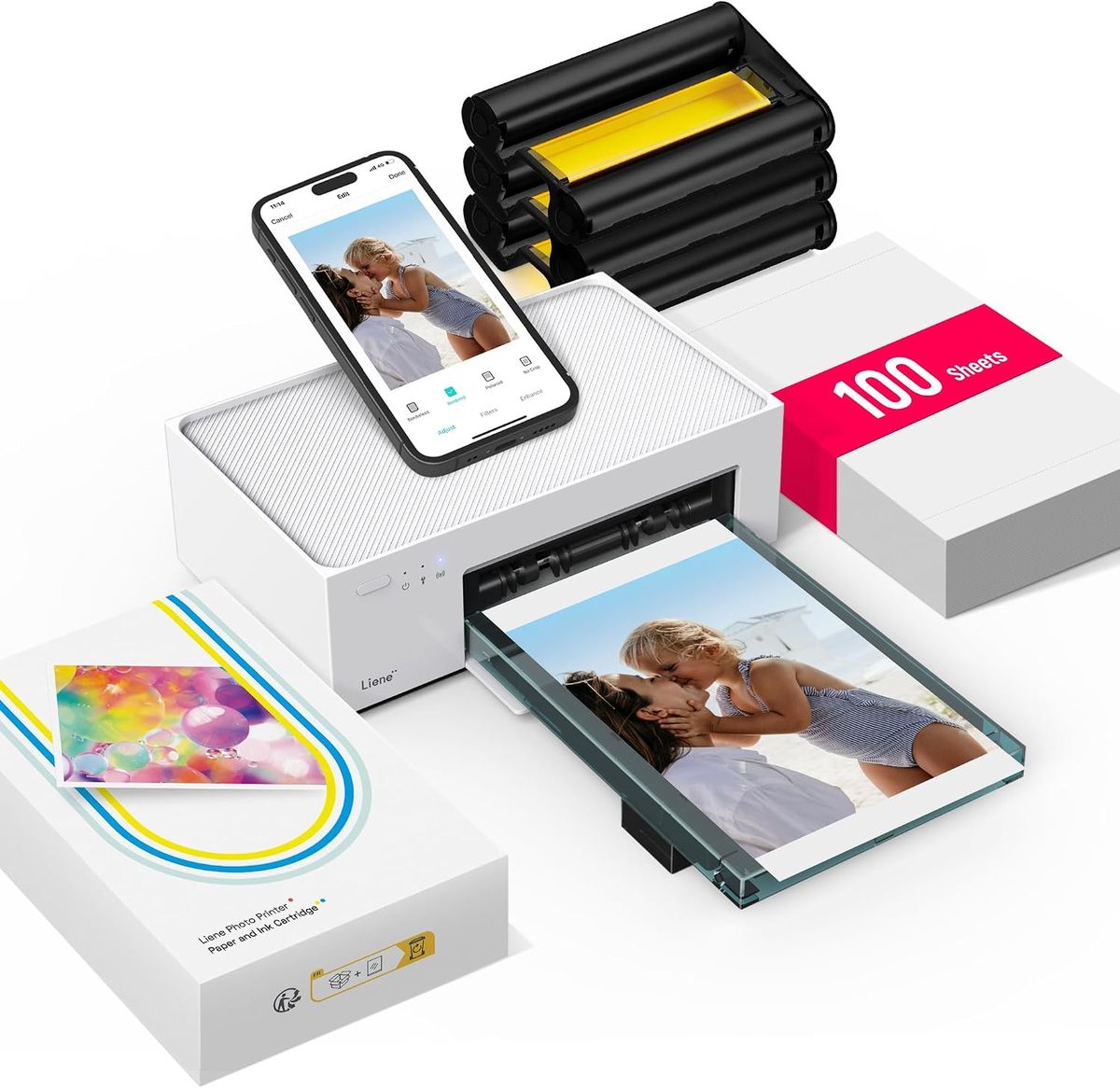
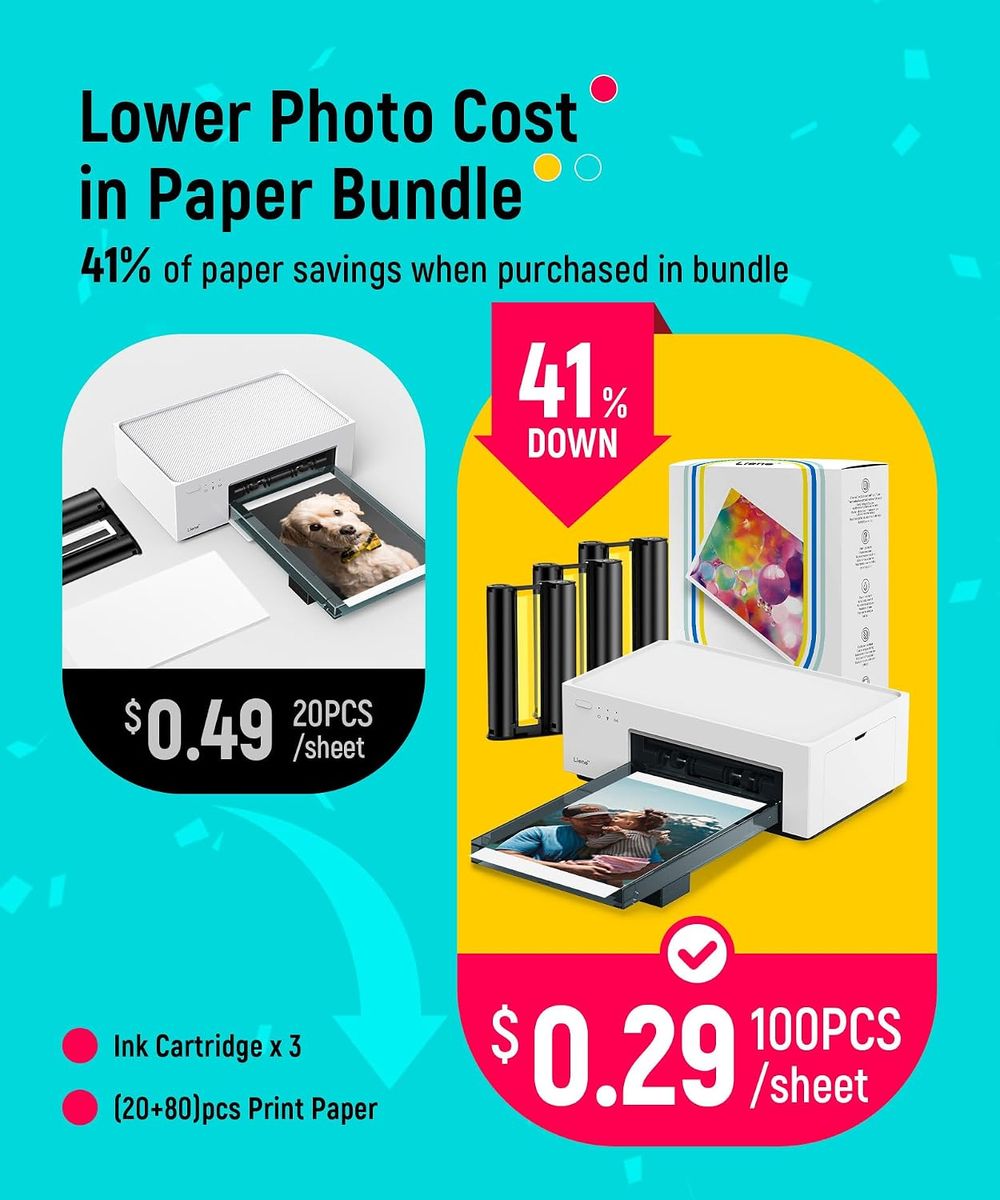
Here is the pragmatic comparison: an inkjet might cost less upfront, but the per-print cost rises when you factor in wasted sheets from misaligned nozzles and ink drying out between uses. The M100 eliminates that waste. You get exactly 100 sheets and three color cartridges (Y, M, C) in the box. That is a complete consumable cycle—no partial cartridges, no maintenance cycles. For the online shopper who wants a predictable cost per print, this is a critical advantage. You know exactly what you are paying for, and you are not subsidizing a printer manufacturer’s razor-blade business model with frequent head cleanings.
Build Quality and Portability: Not a Toy
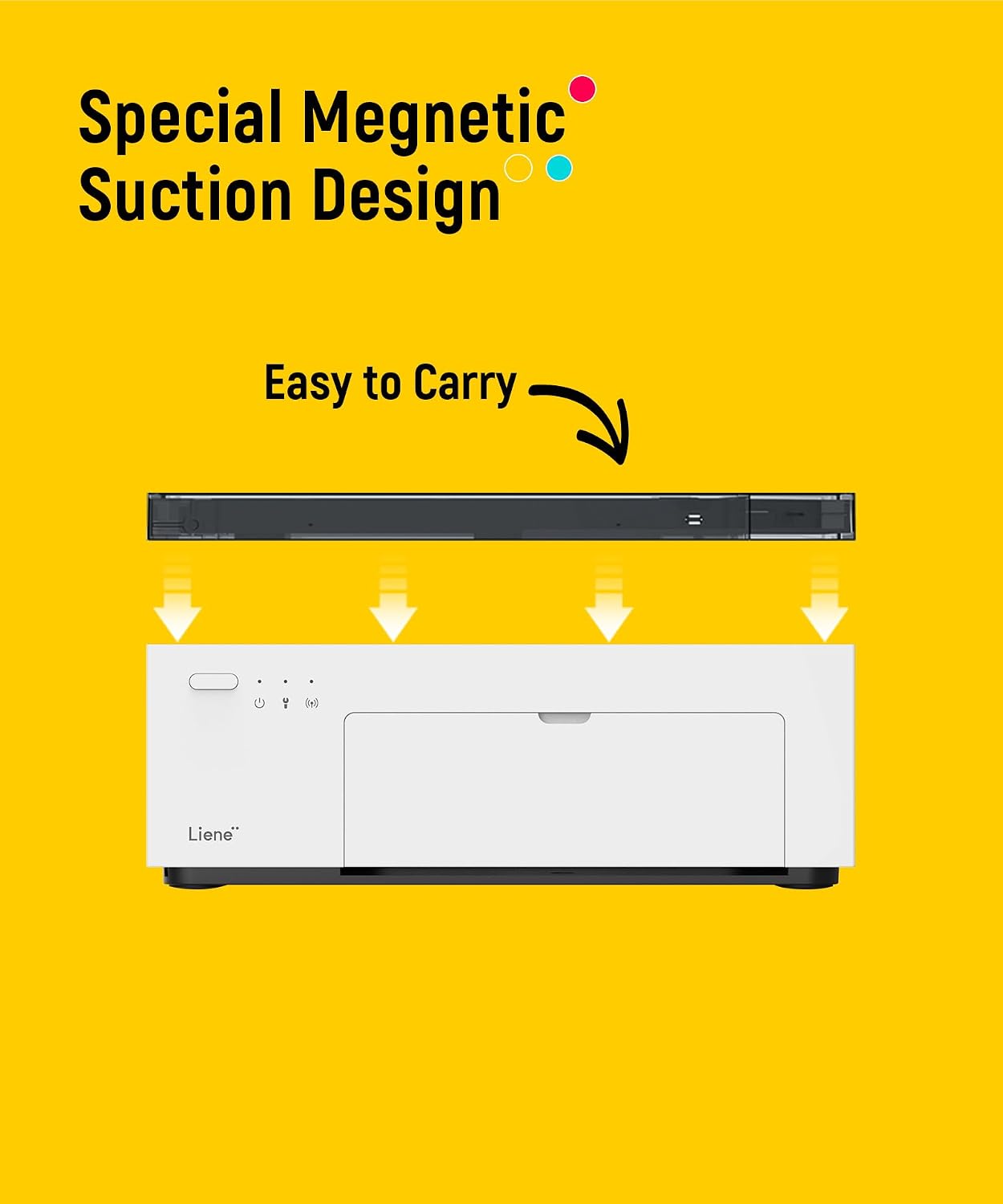
Many portable printers feel like glorified children’s toys. The Liene M100, by contrast, has a solid, compact chassis that measures just about the size of a standard envelope. It is designed to be thrown into a laptop bag or a camera backpack without fear of breakage. The weight is substantial enough to feel durable but light enough that you will not mind carrying it to a client meeting or a family gathering.
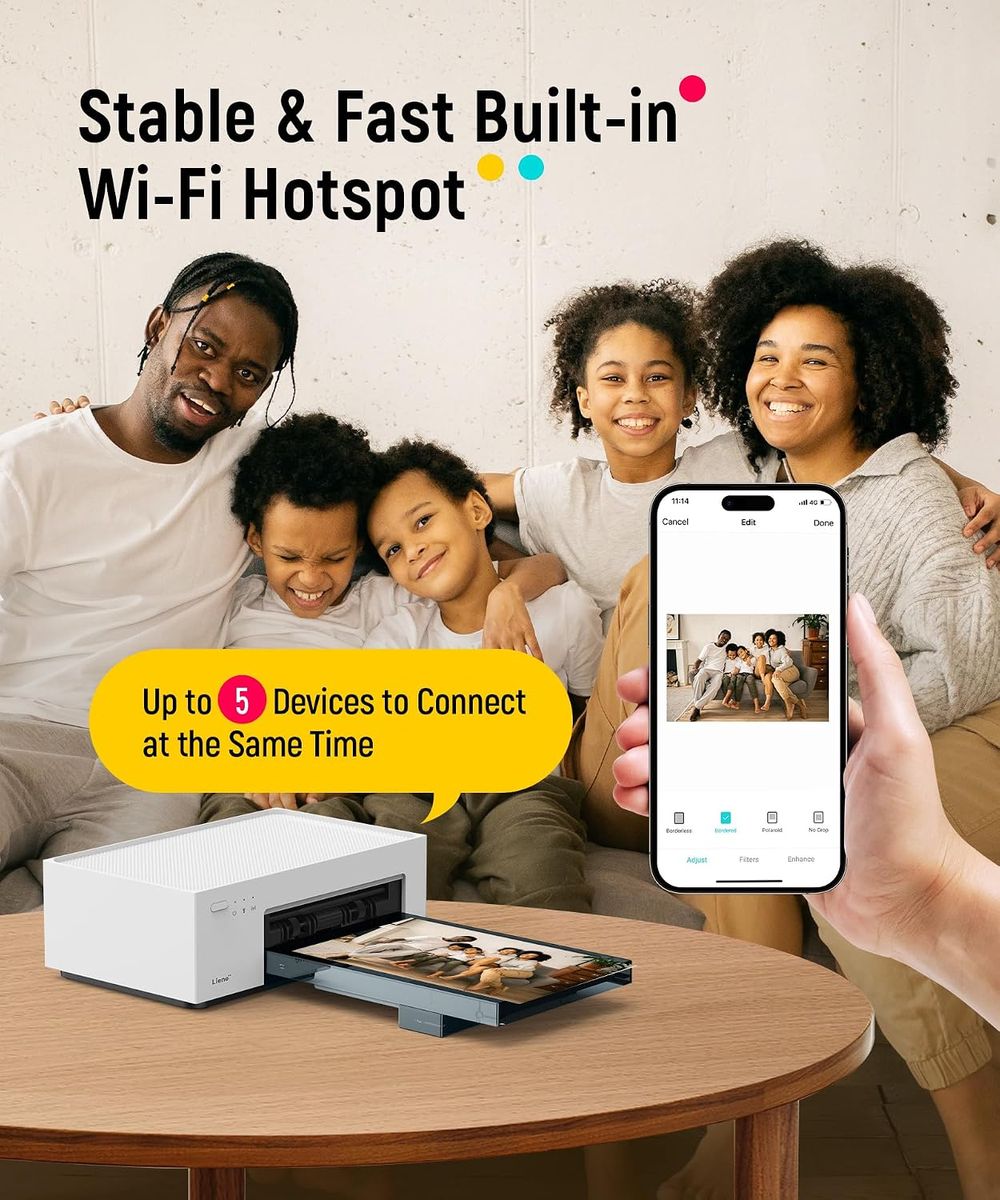
Connectivity is where this unit shines for the modern user. It supports both Wi-Fi and direct connection protocols for iPhone and Android devices. I ran a series of tests using both a current-generation iPhone and a mid-range Android tablet. The proprietary app recognized the printer within seconds on both platforms. There is no NFC pairing hassle, no Bluetooth dropouts mid-job. You select the image, hit print, and the unit pulls the paper through a four-pass cycle: three color passes and one protective laminate overcoat. This laminate is the secret to longevity—it makes the print waterproof, smudge-proof, and resistant to fingerprints.
Print Quality: The 4×6 Standard Done Right
Let’s talk about resolution and color science. The M100 delivers 300 DPI, which might sound modest compared to inkjet specs of 4800 DPI. However, dye-sublimation is a continuous tone process. Each pixel can have 256 levels of color per channel, which means the human eye perceives a smoother gradient than most inkjets can produce. In side-by-side prints with a high-end inkjet, the M100’s output showed more accurate skin tones and deeper blacks without metamerism (that weird color shift under different lighting).
For the IT professional advising a non-technical buyer, here is the value proposition: you do not need to calibrate anything. The included color cartridges and paper are matched from the factory. What you see on a decently calibrated smartphone screen is what you get on paper. This is a plug-and-play solution for the average user who just wants a reliable 4×6 print for a scrapbook, a gift, or a temporary ID photo.
The included 100 sheets and 3 cartridges are not a “starter pack” gimmick. In my experience, this is a full consumable set. Once you run out, you purchase the same bundle. There is no separate glossy paper pack that costs more than the printer itself. The Liene M100’s consumables are priced competitively against other dye-sub systems, and the yield is consistent. I printed 50 consecutive photos without a single jam or feed error—something I cannot say for several desktop printers I have reviewed.
Who Is This For? A Practical Buyer’s Guide
This is not a printer for professional photographers printing gallery-grade fine art. It is for the person who wants physical memories without the hassle of a desktop peripheral. Consider these use cases:
- Real Estate Agents: Print listing photos on the spot for open houses.
- Event Photographers: Offer instant keepsakes to clients before they leave.
- Families: Print school photos or holiday snaps without uploading to a third-party service.
- Small Business Owners: Create product inserts or thank-you cards with a personal touch.
If you fall into any of these categories, you are the target user. The M100 eliminates the delay between digital capture and physical output. You are not waiting for a lab order or hunting for a kiosk at the drugstore.
Comparison: Liene M100 vs. Other Portable Printers
I have tested the Canon Selphy series and the Kodak Step printers. The Canon is a solid device, but it requires an external power adapter for faster printing, making it less portable than the M100’s USB-C power option. The Kodak Step uses Zink (zero-ink) technology, which relies on embedded dye crystals in the paper. Zink prints have a tendency to yellow over time and often suffer from a slightly plasticky feel. The Liene M100’s dye-sub output, on the other hand, has a traditional photographic finish—glossy, with a slight texture that mimics lab prints.
Another critical factor is the protective layer. The M100 applies a clear laminate over the print during the final pass. This is not just a marketing bullet point; it adds physical durability. You can spill coffee on a print, wipe it off, and the image remains intact. Zink prints and many inkjet outputs will smear or bubble under those conditions. For a device that is marketed as portable, this robustness is essential.
App Usability and File Handling
Let’s address the elephant in the room: proprietary apps are often terrible. The Liene app is not perfect, but it is functional. It allows for basic editing—cropping, brightness adjustment, and filters—without forcing you into a subscription model. More importantly, it handles standard JPEG files efficiently. I encountered no issues with HEIC files from the iPhone, as the app converts them automatically. The connection remained stable even when printing a 20-photo batch, which is more than I can say for some competitors that drop the Wi-Fi signal after two prints.
For the IT-minded buyer, the M100 also supports direct printing without the app if you are using a compatible device, though the app is recommended for firmware updates and optimal color management. The firmware update process is straightforward—it downloads over Wi-Fi and installs in about two minutes.
The Verdict: A Reliable Workhorse for Tangible Memories
After weeks of testing, the Liene M100 has earned a permanent spot in my gear bag. It is not the cheapest portable printer on the market, nor is it the most expensive. What it offers is a balance of print quality, consumable cost, and durability that is hard to beat. For the online shopper who is tired of paying for prints that fade or getting locked into proprietary paper that costs $1 per sheet, this unit provides a compelling alternative.
You are paying for the dye-sublimation process, which delivers true photographic quality with a protective laminate. You are paying for a device that works reliably with both major mobile operating systems. And you are paying for a bundle that includes enough consumables to produce 100 full-color prints out of the box. That is a value proposition that speaks for itself.
If you are still debating between a cheap Zink printer and a bulky desktop inkjet, step back and consider the total cost of ownership. The M100 sits in the sweet spot. It is portable enough to take anywhere, robust enough to handle daily use, and produces prints that will still look good in a decade. That is not a gimmick—that is engineering.
For those ready to stop scrolling and start printing, check the current pricing and availability at the link below. It is a straightforward purchase decision for anyone who values quality and efficiency.