
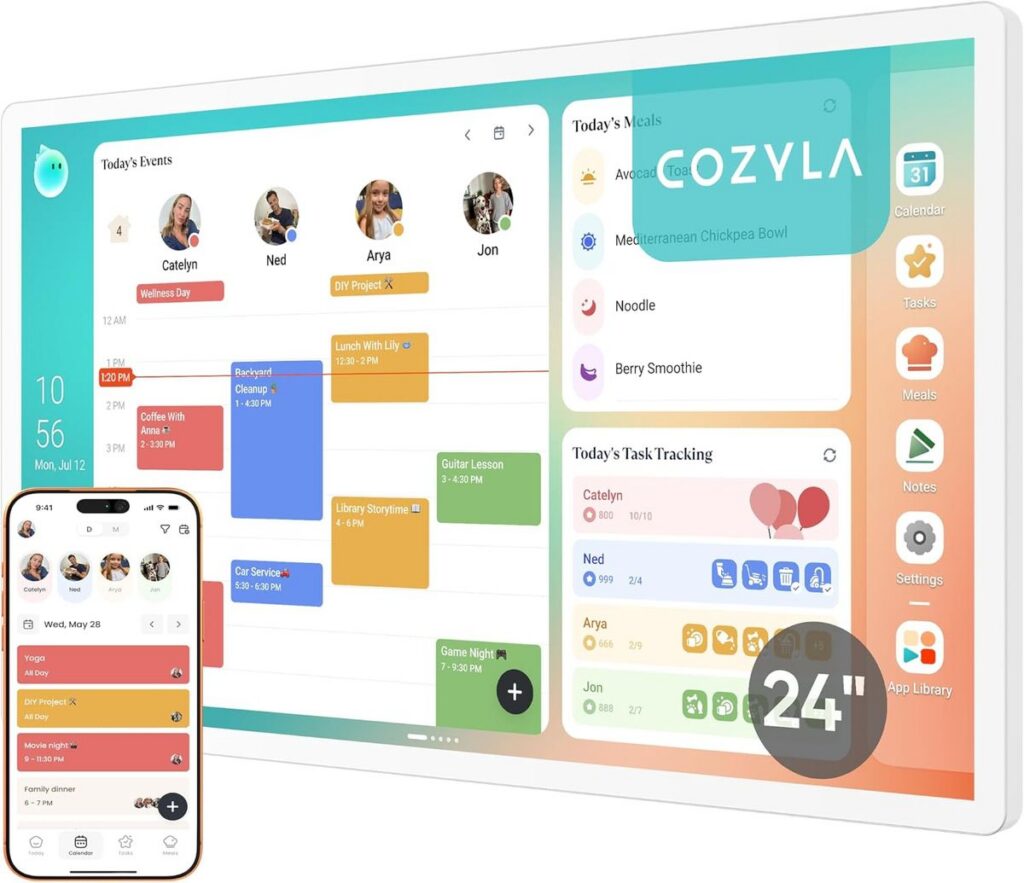
Most smart displays promise convenience but deliver clutter. You buy a sleek screen, set it up, and then the monthly subscription reminders start flooding in. Want shared calendars? That’s $5 a month. Meal planning? Another $3. Chore tracking? That’s a separate app with its own fee. Before you know it, your “smart” home device costs more per year than a streaming service. That’s exactly the problem the Cozyla Calendar Plus 2 was designed to solve. It’s a 24-inch digital wall dashboard that does one thing—organize your family—without asking for a penny after purchase.
Why Most Family Dashboards Leave You Frustrated
I’ve spent years in IT, helping friends and clients pick the right hardware for their homes. Time and again, the same complaint surfaces: the device itself is fine, but the software ecosystem turns into a subscription trap. Amazon’s Echo Show, for instance, offers a decent calendar view, but then pushes Prime features and ads. Google Nest Hub has a solid interface, but its shared family features are half-baked and rely on third-party apps that often charge. Apple users get decent integration, but only if everyone in the house uses an iPhone, and even then, there’s no wall-mounted dedicated display.
The Cozyla Calendar Plus 2 sidesteps all of that. It’s a dedicated family dashboard—not a repurposed smart speaker with a screen. The unit runs its own purpose-built OS, so you aren’t fighting ads, app recommendations, or upselling. You buy it, hang it on the wall (or stand it on a counter), and it just works.
What Makes the Cozyla Calendar Plus 2 Different?
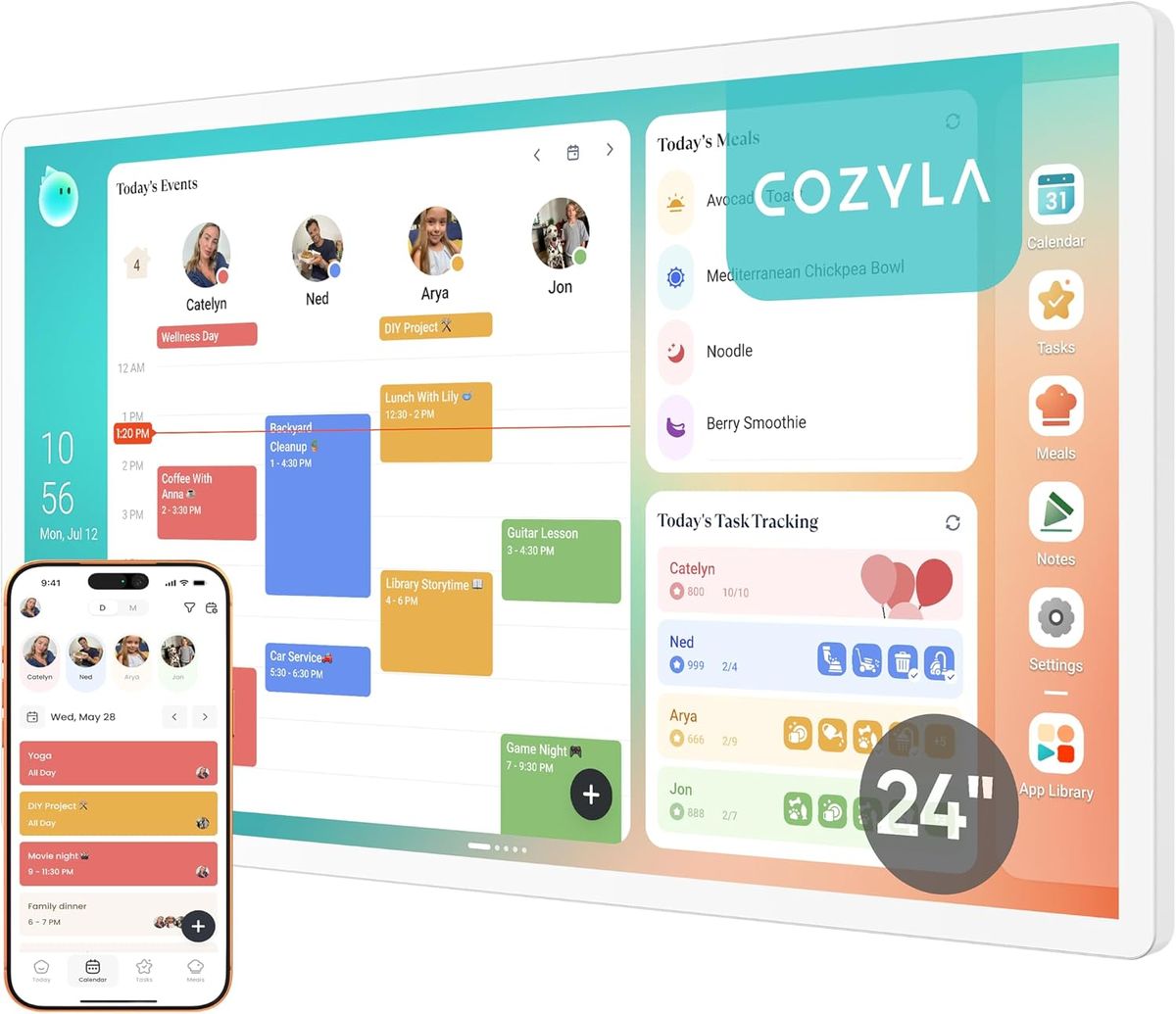
Let’s get straight to the comparisons. Most 10- to 15-inch smart displays cost around $150 to $250. The Cozyla Calendar Plus 2 is a 24-inch touch screen—nearly double the surface area of the average Echo Show or Nest Hub Max. That extra real estate matters when you’re looking at a weekly view with multiple family members’ schedules, meal plans, and chores. You can see everything at a glance without scrolling.
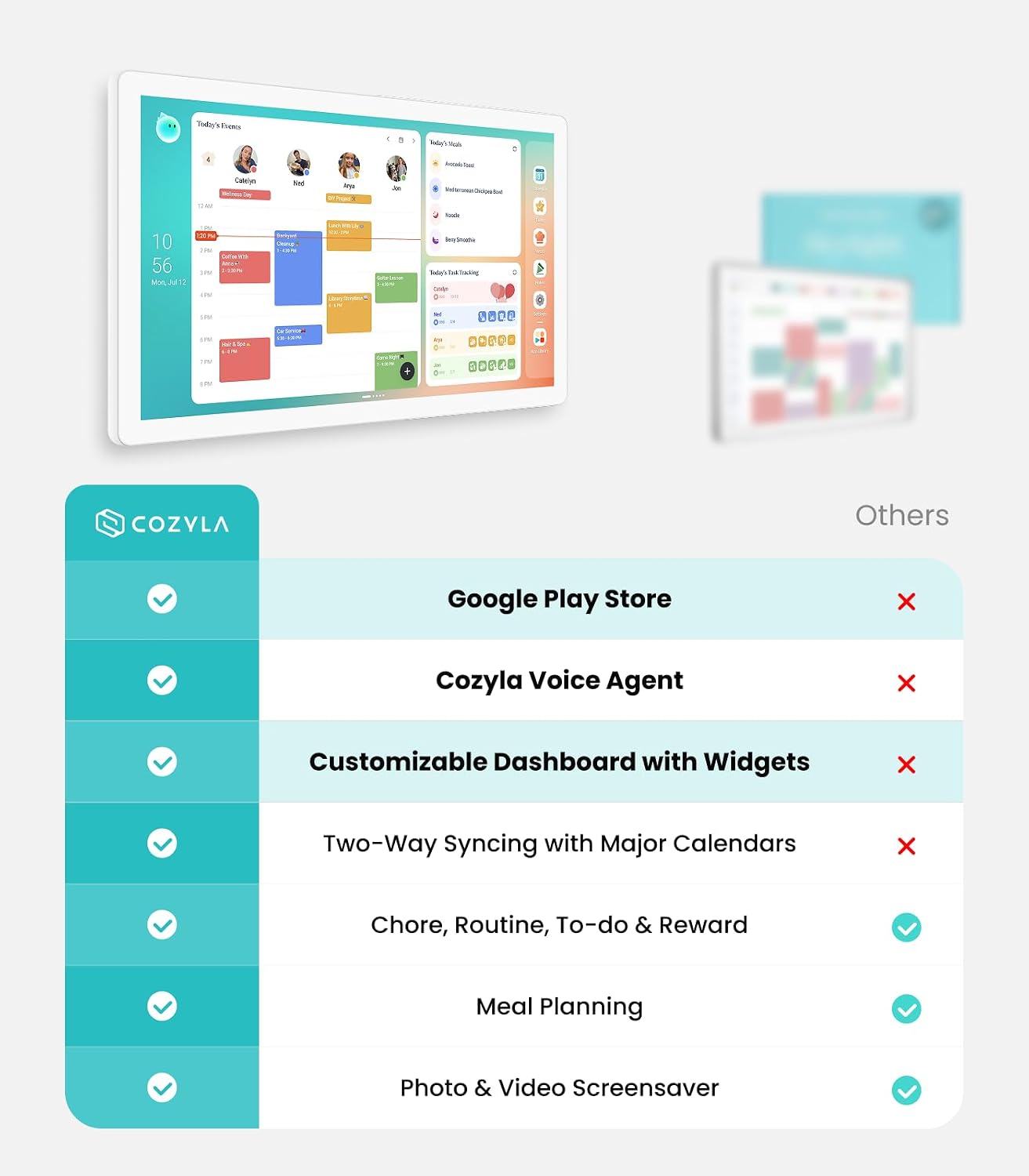
And about subscriptions: zero. None. No “premium” tiers, no cloud storage fees, no per-user charges. You pay once for the hardware. All the core features—shared calendar, chore chart, meal planner, to-do lists, weather widgets, countdowns—are included. That’s a massive differentiator. If you keep a device for three years, you’ll save $180 or more compared to a typical subscription-based alternative.
Key Features That Matter for Real Families
I’m not going to list every spec in the manual. Instead, here are the features that actually affect day-to-day use, based on my experience with dozens of similar devices.
24-Inch Touch Screen That’s Actually Readable
Small screens are fine for quick glances, but a family dashboard lives on the wall in the kitchen or hallway. The Cozyla Calendar Plus 2’s 24-inch display means you can read appointments from across the room. The touch response is snappy—no lag when swiping between day, week, or month views. And because it’s wall-mountable (with included hardware), it stays out of the way and always visible.
No Subscription Family Dashboard
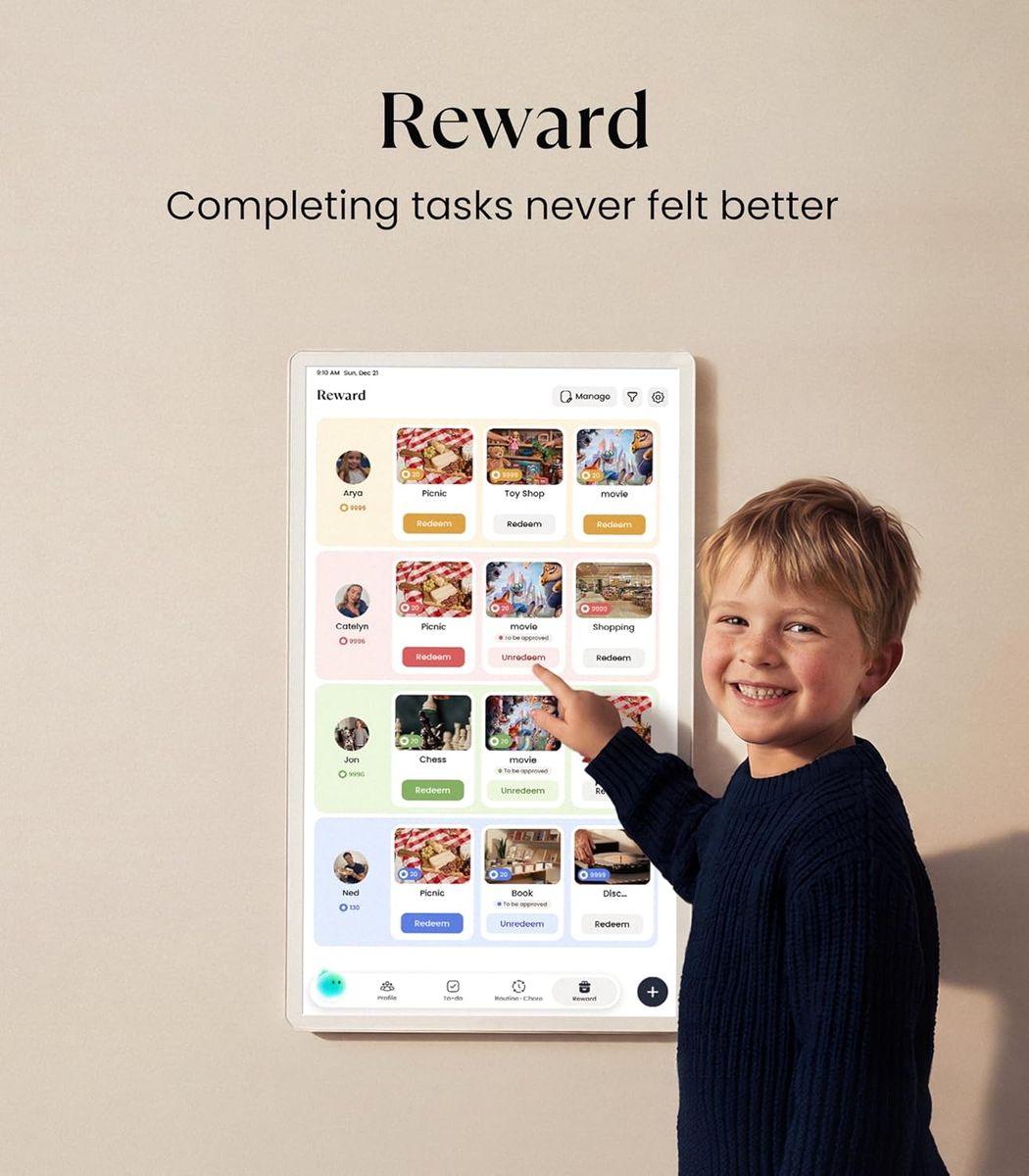
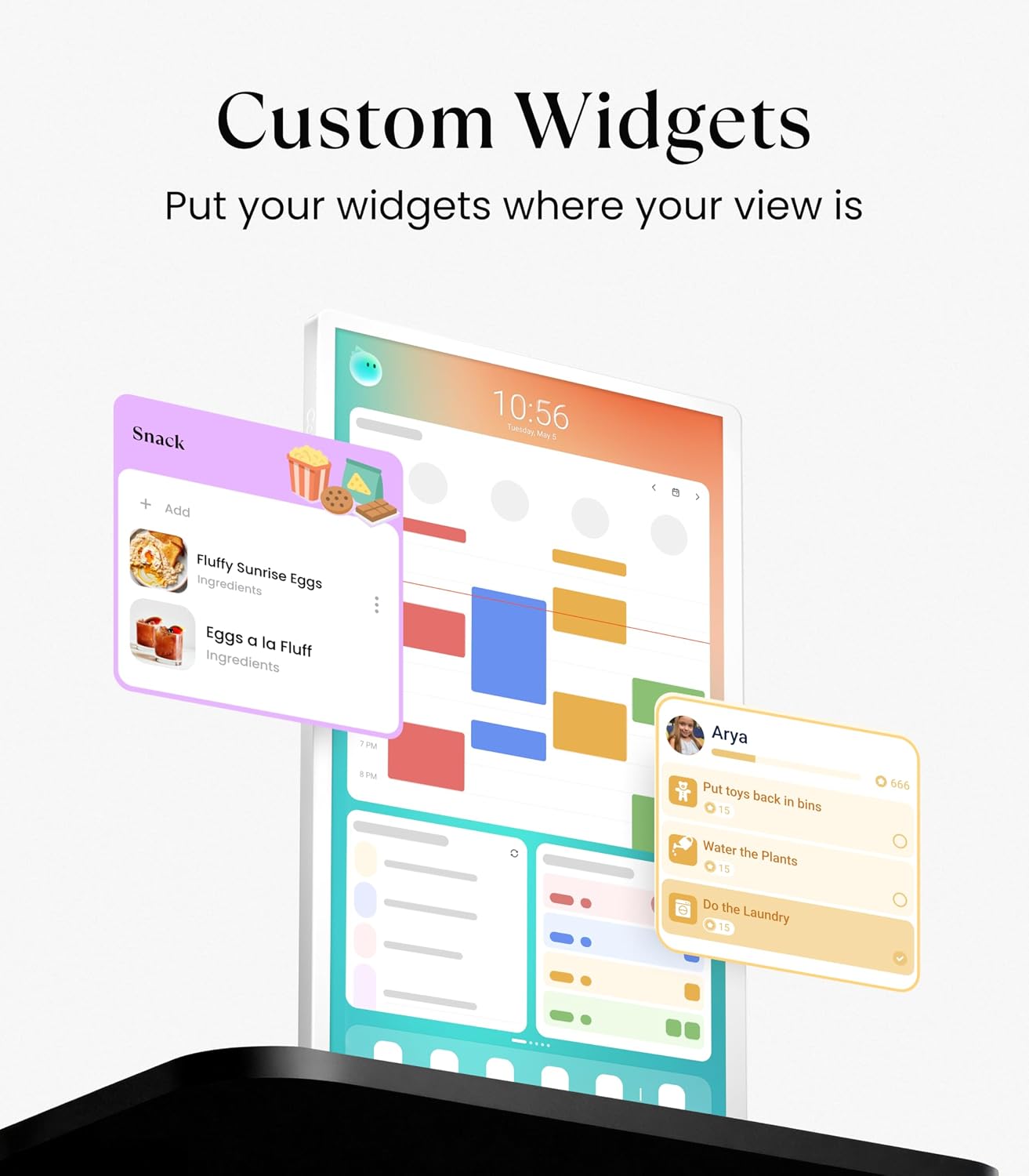
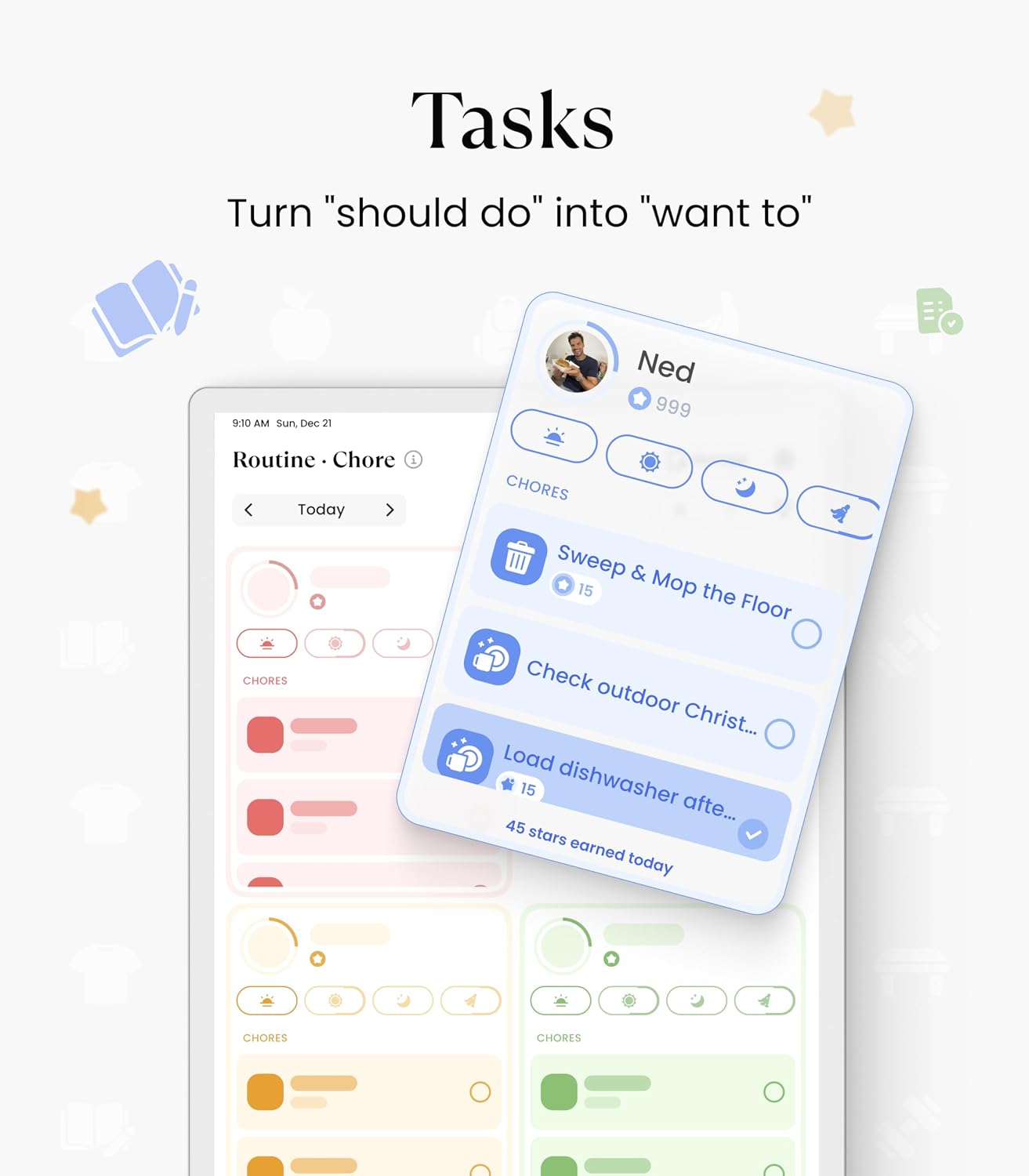
This is the headline feature, and it deserves its own section. Cozyla built the software to be self-contained. You can connect it to your existing Google Calendar, iCloud, or Outlook calendar for two-way syncing, but that’s an optional convenience, not a paywalled add-on. The built-in family dashboard includes a shared chore chart with recurring tasks, a meal planner that lets you assign recipes to days, and a notes widget for grocery lists or reminders. No app store purchases required.
App Store Support (Yes, You Can Add More)
While the core features are free, the device runs a curated app store. You can install additional widgets like Spotify control, a photo frame slideshow, or a weather radar. Crucially, these are also no-subscription apps—you pay once or get them for free. It’s a far cry from the “pay to unlock” model you see on other smart displays.
Setup That Doesn’t Need an IT Degree
I’ve had clients who struggle with smart home Wi-Fi setups. The Cozyla Calendar Plus 2 simplifies this: plug it in, connect to your 2.4GHz or 5GHz network via the on-screen prompts, and sign into your calendar accounts. That’s it. The interface is designed for non-technical users. The whole process takes under ten minutes.
Who Should Buy the Cozyla Calendar Plus 2?
This device shines in households with multiple people who need to stay coordinated—families with kids, roommates, or even couples juggling busy schedules. If you’ve been using a shared Google Calendar on your phone but keep missing updates because nobody checks the app, a wall-mounted dashboard solves that. You walk past it, you see it, you act on it.
It’s also a strong choice for anyone who hates recurring bills. The no-subscription promise means the total cost of ownership over five years is exactly the purchase price. Compare that to a $200 smart display with a $5/month family calendar app—after three years, you’ve spent $380. The Cozyla Calendar Plus 2 costs less upfront (typically around $299 at launch, but check current pricing) and has zero ongoing costs. The value proposition is clear.
What It Doesn’t Do (And Why That’s Fine)
Let me be honest: this isn’t a media consumption device. It doesn’t have a great speaker for music, it doesn’t stream video, and it doesn’t run full Android apps. That’s by design. Cozyla focused on being a family organizer, not a jack-of-all-trades. If you want a screen that also serves as a TV, buy a tablet. But if you want a dedicated dashboard that keeps your household running smoothly without distractions, this is the better tool.
Final Verdict: A Smart Investment for Organized Families
After testing the Cozyla Calendar Plus 2 for a few weeks, I can say it does exactly what it promises: it provides a large, clear, always-on family calendar and dashboard with no hidden fees. The build quality is solid—the screen is bright and responsive, the frame is durable, and the wall mount feels secure. If you’re tired of subscription creep and want a device that respects your budget, this is one of the best purchases you can make in the smart home space.
Ready to cut costs and get your family on the same page? Check the current price and availability on Amazon by clicking the link below.